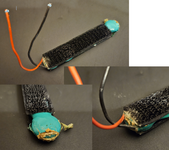
Hey TinkerDifferent!
Good news - this thread is about a problem, but also has the solution! Backstory: I have an AST Ascentia 910N, which is a 486 DX2 with 8 MB of ram. I bought it for $25 from a friend when I was about 14 years old, some time in 2002. For 6-12 months, it was my only computer. It has no sound card, is cheaply built, has a passive matrix screen, is cheaply built, and uses proprietary RAM modules (and is probably stuck at 8 MB for forever). Overall, this is not a good machine, but it is sentimental.
Fast forward to this week, I decided to get it out, remove the CMOS battery, switch out the dead hard drive for an IDE to SD solution, and fix some other problems.
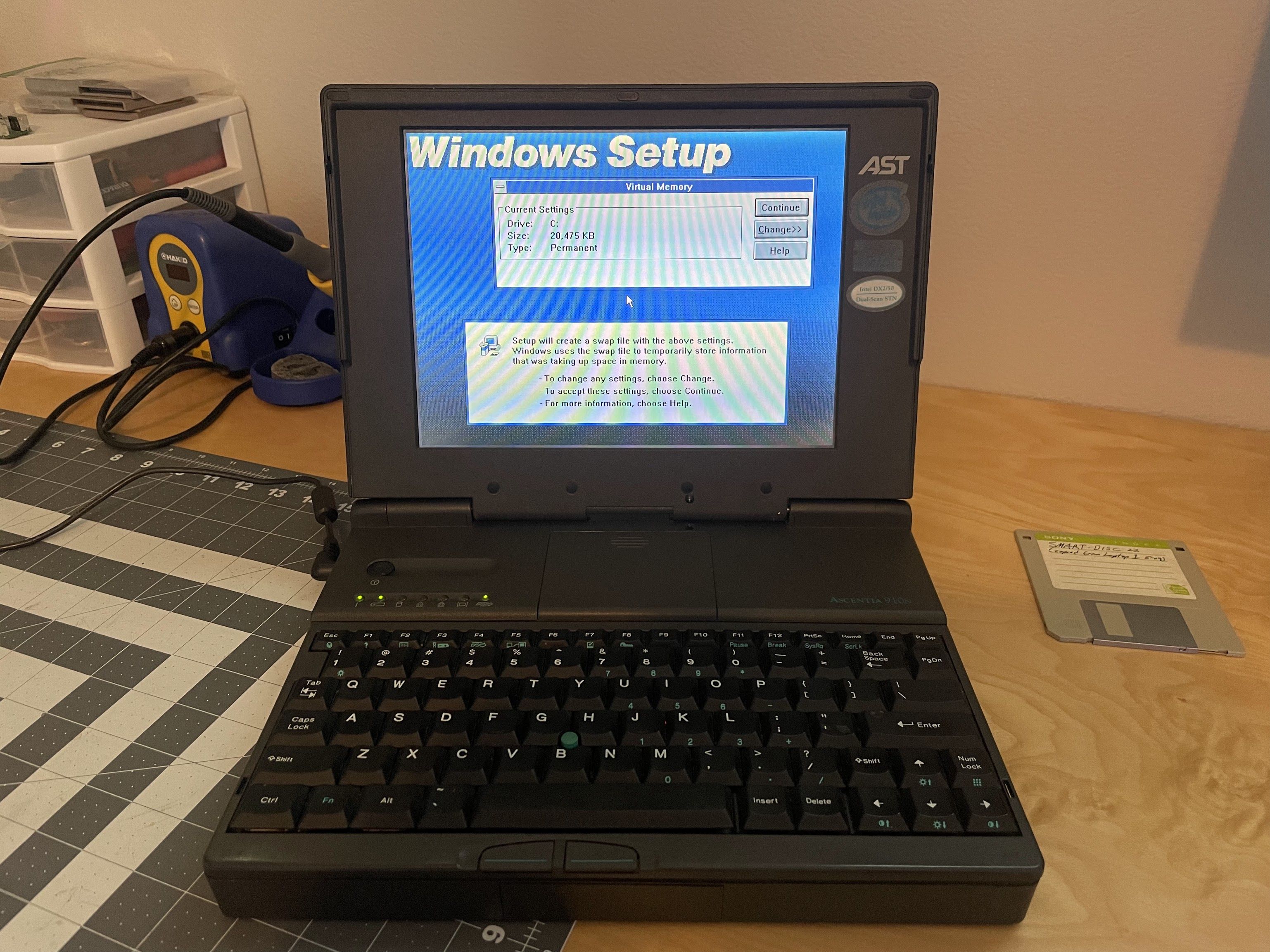
After running it for about 6 hours, during a Windows 3.1 installation reboot, it failed to post. It gave 3 short beeps, and 3 long beeps. I don't remember where, but I found an AST laptop table that indicated "processor board failure".
Edit: Found it! Here's where I found the beep codes.
I took the machine apart, and was surprised to find a 3.3v button-cell soldered to the bottom of the processor board (in addition to the ~7v Nicad CMOS battery). My friend Sam theorized that the battery might need to be fresh for it to boot. The old battery measured 0.03v.
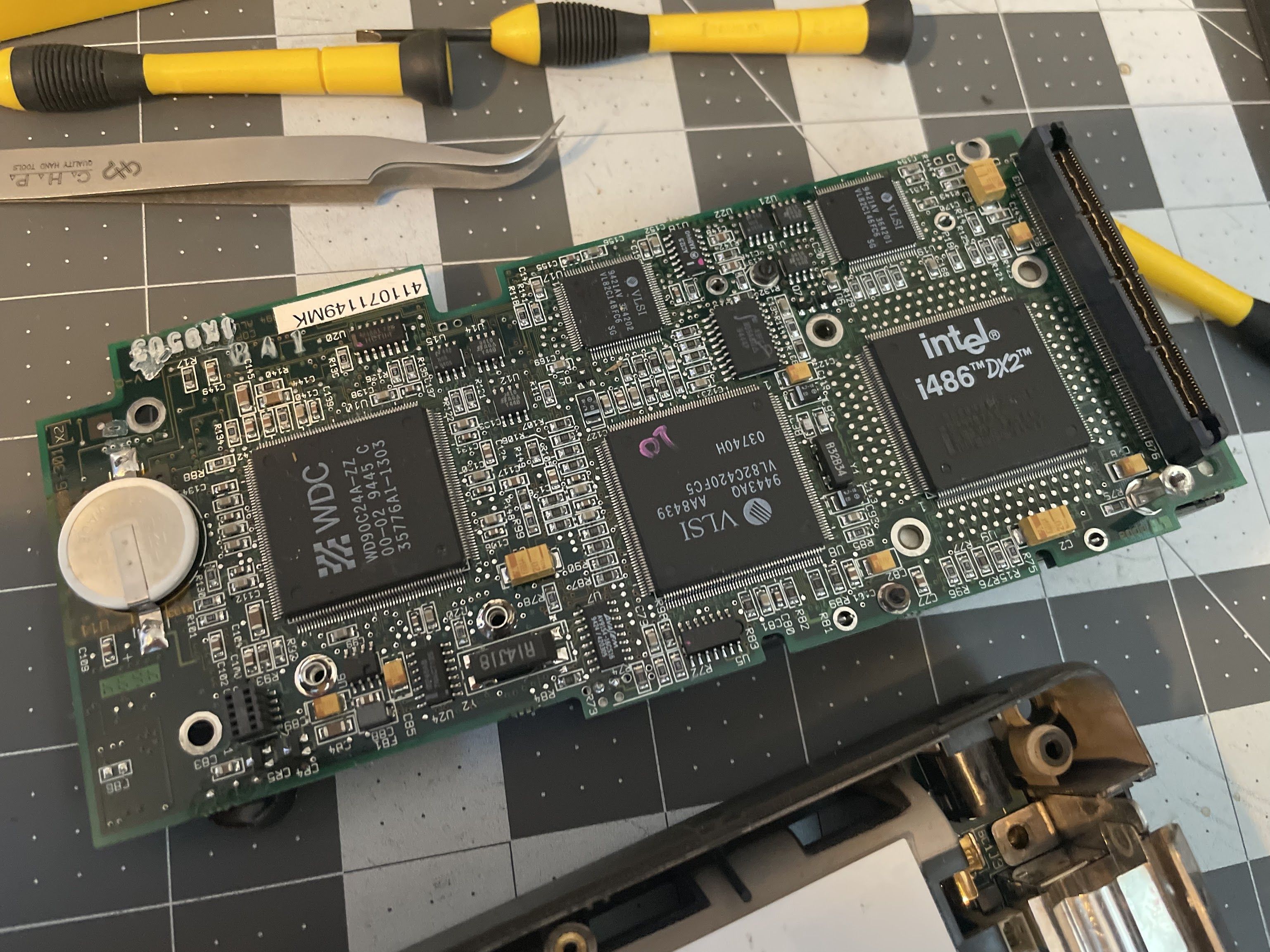
It was a CR2023 or similar, but all I had were CR2025's on hand. I soldered one in, and it has been 100 percent reliable since then.
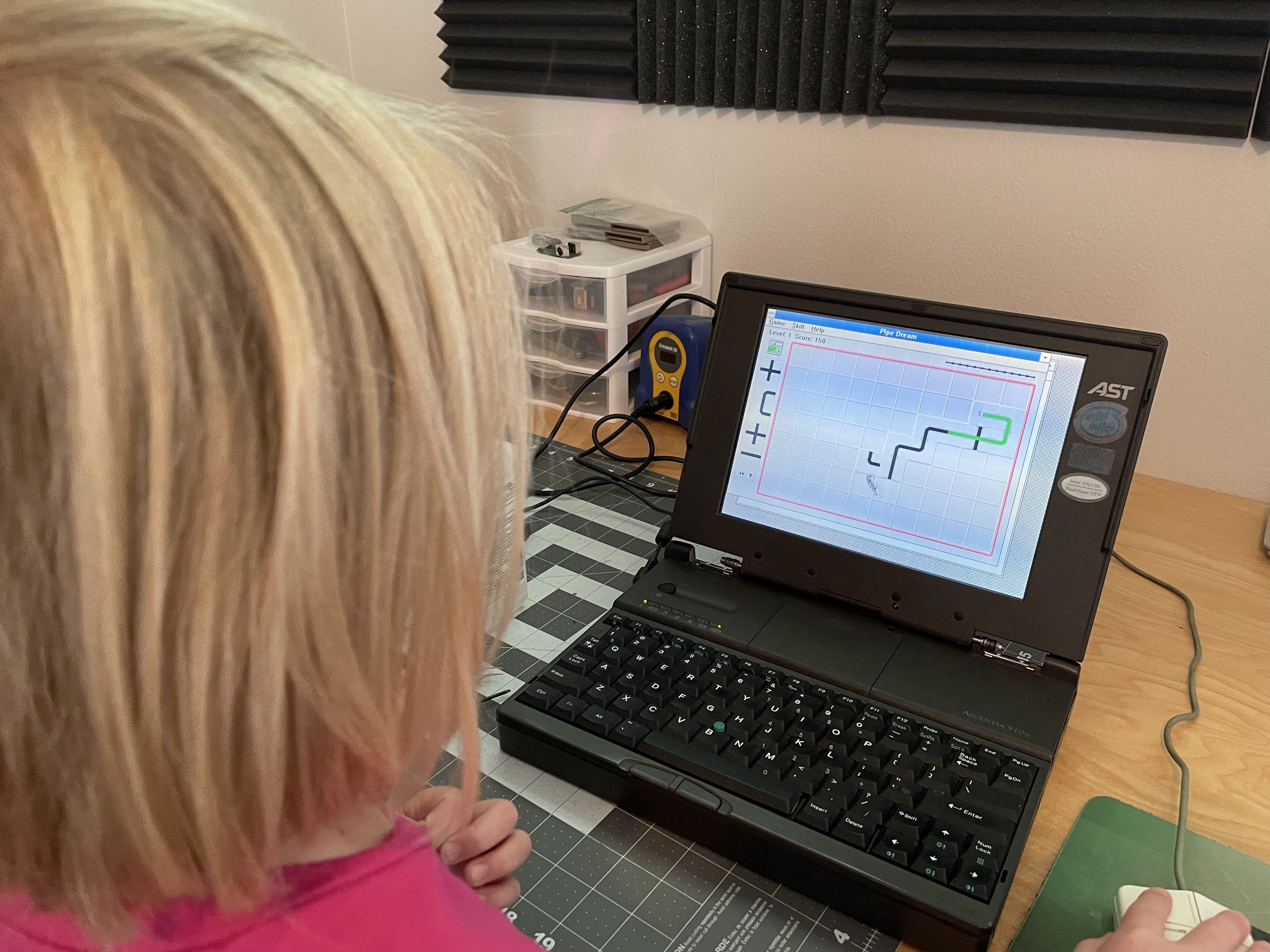
There is almost no documentation about this laptop online that I could find, so I just wanted to get this posted for when the batteries inevitably die on other AST Ascentia laptops, and they don't boot. I hope this helps someone else out!
Good news - this thread is about a problem, but also has the solution! Backstory: I have an AST Ascentia 910N, which is a 486 DX2 with 8 MB of ram. I bought it for $25 from a friend when I was about 14 years old, some time in 2002. For 6-12 months, it was my only computer. It has no sound card, is cheaply built, has a passive matrix screen, is cheaply built, and uses proprietary RAM modules (and is probably stuck at 8 MB for forever). Overall, this is not a good machine, but it is sentimental.
Fast forward to this week, I decided to get it out, remove the CMOS battery, switch out the dead hard drive for an IDE to SD solution, and fix some other problems.
After running it for about 6 hours, during a Windows 3.1 installation reboot, it failed to post. It gave 3 short beeps, and 3 long beeps. I don't remember where, but I found an AST laptop table that indicated "processor board failure".
Edit: Found it! Here's where I found the beep codes.
I took the machine apart, and was surprised to find a 3.3v button-cell soldered to the bottom of the processor board (in addition to the ~7v Nicad CMOS battery). My friend Sam theorized that the battery might need to be fresh for it to boot. The old battery measured 0.03v.
It was a CR2023 or similar, but all I had were CR2025's on hand. I soldered one in, and it has been 100 percent reliable since then.
There is almost no documentation about this laptop online that I could find, so I just wanted to get this posted for when the batteries inevitably die on other AST Ascentia laptops, and they don't boot. I hope this helps someone else out!
Last edited: